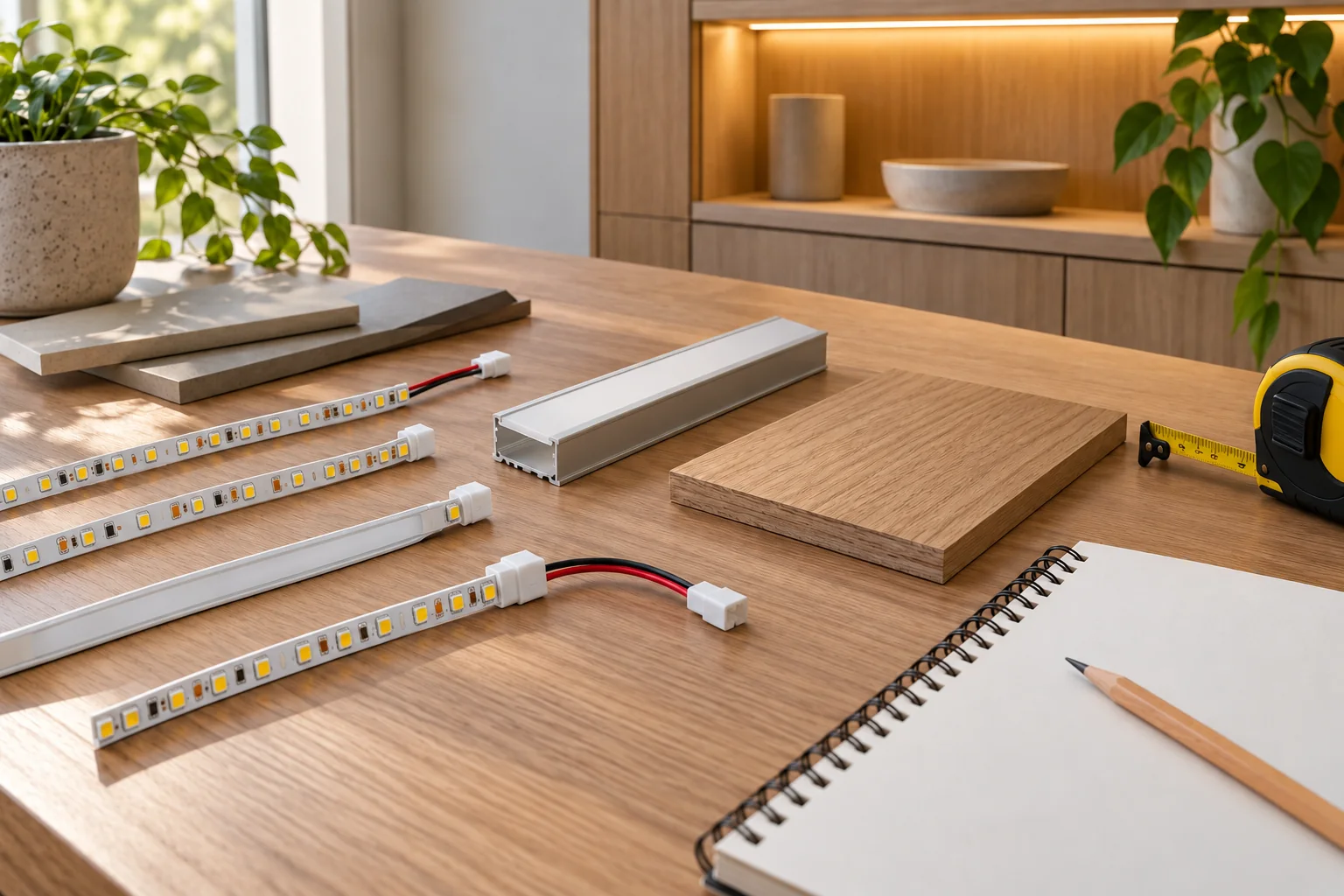
Calculate nominal connected load and plan lengths around marked cut intervals. Enter confirmed product values; these tools do not choose a driver or approve an installation.
Read the exact datasheet, identify individual connected lengths and confirm the marked cut interval. Unknown ratings need model-specific technical information.
Use the exact product’s confirmed W/m. Driver derating and cable selection need a separate system review.
Nominal loadW/m × m = WCurrent = W ÷ V
80% is a planning assumption, not a universal rating. Confirm driver limits, thermal conditions and permitted run lengths.
02 / PHYSICAL LENGTH
Cut interval planner
Use the marked cutting interval and allow for end caps, connectors and the profile’s usable space.
Complete unitsfloor(length ÷ interval)Planned length = complete units × interval
This is a planning calculation, not installation approval. Confirm actual cut marks before cutting.
UNDERSTAND THE RESULT
Two calculations. Two different questions.
Illustrative values below are not BEXLIGHTING product ratings or an approved configuration.
Connected load is not driver selection.
Example: 10 W/m × 8 m = 80 W nominal load. At 24 V, the calculated nominal supply current is 3.33 A. Loading limits, derating, cable sizing and controls require a separate review.
Example: a required 1,012 mm length with a confirmed 25 mm interval contains 40 complete units, totalling 1,000 mm with 12 mm remaining. Allow separately for connectors and usable profile dimensions.
Strip selection, profile dimensions and the electrical layout belong in the same project brief. Resolve the physical fit before approving the appearance or placing the order.
Can the catalogue reference fill in the power automatically?
The calculators use the values you enter rather than automatically selecting a catalogue rating. Enter the power for your selected model and configuration; if the product lists a range, ask BEXLIGHTING which value applies.
Should I enter total order length or one powered circuit?
Use the length connected to the circuit being reviewed for the load calculation. A total order can contain several independently powered sections. Keep their circuit requirements separate.
Can I use the result as the driver wattage?
The result is nominal connected load. Driver loading, ambient conditions, derating and system compatibility need review against the exact component documentation.
Why does a result disappear when I edit an input?
The old calculation no longer represents the current inputs. Recalculate before downloading the record. Changing the selected model or project reference also clears both results.
Does the length planner allow for connectors?
It only counts complete marked cutting units within the entered length. Connector, end-cap, cable and usable-profile allowances need to be checked separately.
SAVE YOUR REQUIREMENTS
Use your results in a product inquiry
The tool results explain the nominal load and length only. Include the SKU, calculation inputs, environment, controls and drawings when you request a quotation.
An LED strip power calculator estimates nominal load from watts per metre and connected length; it does not approve a driver or wiring arrangement. Use the cutting planner with the exact marked interval, and allow for connectors and end fittings when preparing the physical section schedule.